
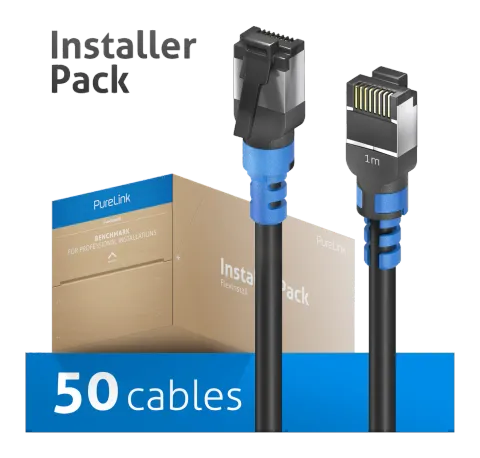
FI-PC110-010-PCK
Cat.6a Patch Cable, RJ45, S/FTP, black, 1.00m, InstallerPack 50 pcs
The FI-PC110 is a Cat.6a S/FTP patch cable with RJ45 male to RJ45 male connectors, a black halogen-free TPE jacket, and a total cable diameter of 4.8mm. It supports data transmission up to 500MHz for 10GBase-T Ethernet …
ManualFAQSpecificationsDatasheetCE declaration ↗FAQ
What materials and construction ensure the cable's durability and signal quality?+–
The cable uses high-purity copper conductors and graphene nano shielding with a diameter of 4.8mm. It has a halogen-free thermoplastic elastomer (TPE) jacket and shielding materials include graphene, aluminium foil, and a mylar layer. It has two shielding layers and a solid tinned copper conductor.
What type of Ethernet standard and data transmission speed does the FI-PC110-010-PCK support?+–
Supports up to 500MHz for 10GBase-T Ethernet and HDBaseT, providing reliable and high-speed data transfer for demanding applications.
What are the specifications of the connectors on the FI-PC110-010-PCK cable?+–
The cable has RJ45 male connectors on both ends with locking features. The connectors are straight, have gold-plated contacts, nickel/tin material, and their shielding is made of tin. The wiring standard is T-568B (Cat. wiring standard).
More:Specifications →
What are the physical characteristics and materials of the FI-PC110-010-PCK cable and connectors?+–
Cable has a diameter of 4.8 mm with a halogen-free TPE jacket, ultra flexible, ultra slim, smooth and soft; connectors are RJ45 male to male, straight form factor, gold-plated contacts, nickel/tin material with tin shielding.
How should the strain relief be installed and removed on the FI-PC110-010-PCK cable?+–
To assemble, slide the strain relief with its large opening at an angle onto the cable, ensuring the small ribs do not bend inward. Then slide it up towards the connector, pull the two hooks apart, and twist them into the designated holes. To disassemble, carefully release the hooks from the designated holes and pull the strain relief off the cable.
More:FlexInstall QSG_download.pdf ↗Strain Relief Assembly Guide →