
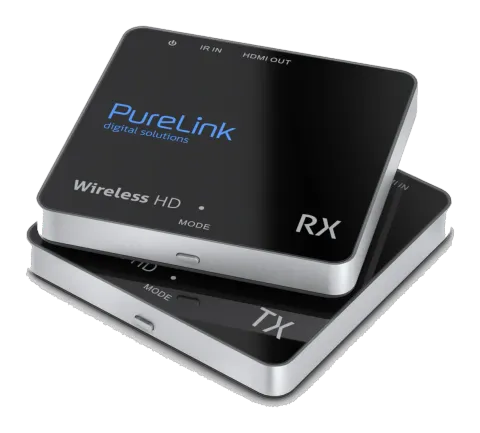
CSW110
Wireless HD Extender Set - Cinema Series v2
Wireless HD Extender - Cinema Series v2.
ManualFAQCEFAQ
What devices can I connect to the PureLink CSW110 transmitter?+–
The PureLink CSW110 allows you to send a connected HD signal wirelessly to your HDTV or HD projector. Examples of HD devices: Blu-ray players, HD set-top boxes, PlayStation4, XboxOne, etc.
More:INTRODUCTION →
What resolutions and formats does the PureLink CSW110 support?+–
The CSW110 supports FullHD resolutions up to 1080p and all 3D formats. Supported HDTV resolution (HDMI) includes 1080p, 720p, 576p, 480p, and supported 3D formats are Frame Packing 1080p@24Hz, 720p@50/60Hz.
How do I connect the PureLink CSW110 transmitter and receiver?+–
Connect the HDMI IN of the CSW110 transmitter with a source device using an HDMI cable and optionally connect the HDMI OUT for loop-through. Connect the HDMI OUT of the CSW110 receiver to a display device. Use the IR emitter and IR receiver if you need IR extension. Connect the 5V1A power adapters to transmitter and receiver respectively. To pair, press the MODE key on receiver and then transmitter.
More:CONNECTION →
What is the maximum wireless transmission range of the CSW110?+–
In a direct line-of-sight, the maximum range of A/V signal transmission can reach up to about 30 meters. The optimum indoor range is under 30m.
More:OPERATION →
What power adapters are required for the CSW110?+–
Only use the power adapters provided with the CSW110. The power output must be 5V DC, 1A centre positive. The adapters supplied are switch mode power adapters with 100-240V AC @ 50-60Hz input and 5V1A DC output.