
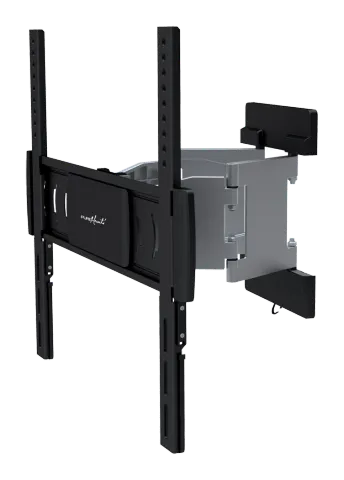
PM-MOTION-52
PureMounts® TV Mount - Thin Motion 32-55"
PureMounts® TV Mount - Thin Motion 32-55".
ManualFAQFAQ
What safety precautions should be taken before starting the installation and assembly of the mount?+–
Read the entire instruction manual before you start installation and assembly. Do not begin the installation until you have read and understood all the instructions and warnings contained in this installation sheet. If you have any questions regarding any of the instructions or warnings, please contact your local distributor.
More:WARNING →
What are the instructions for attaching adapter brackets for flat back screens?+–
4-1 For Flat Back Screens Use M-A, M-B, M-C screws and M-F washers as appropriate. Top of the display with the arrow pointing up. Use W-B, W-C, and W-A as required.
More:Installation Steps →
What steps should be taken to secure the display onto the wall mount?+–
5. Hanging the Display onto the Wall Mount Tighten the bottom bolts to secure the display brackets to the mount. Use the safety bolt to secure the wall mount.